Skip to main contentForce Edgee to cache specific paths, whether the cache is enabled or not. These rules take precedence over the default cache
settings and will help you improve performance.
Cache rules allow you to define how requests are cached based on their path and request/response headers.
Each rule consists of a path pattern and caching behavior. Rules are evaluated in order, with the first matching rule being applied.
If no rules match, the default caching behavior is used.
Activate or disable caching
Browse to your project’s Performance panel and select Override cache.
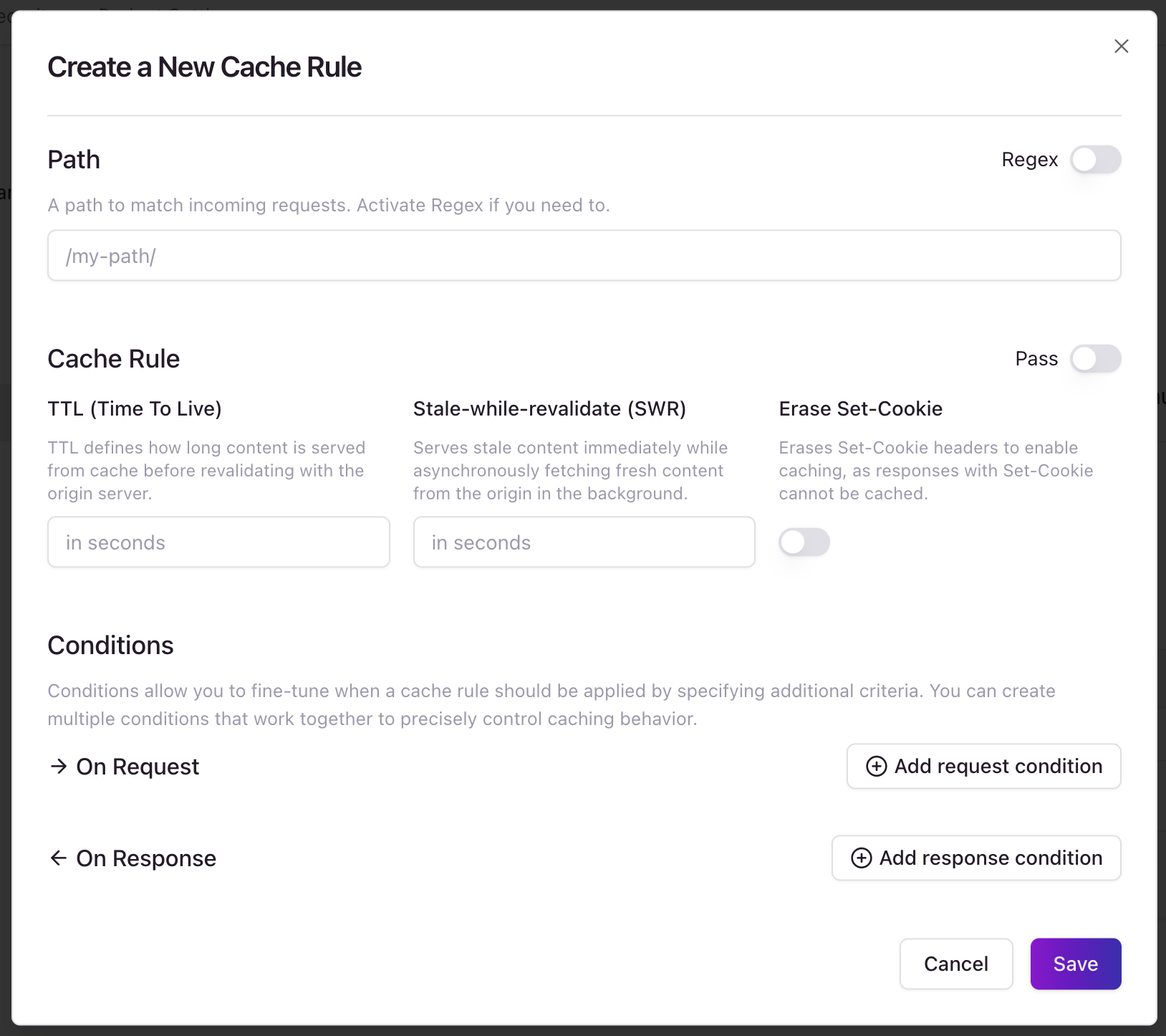
From here, you can add cache rules to your project.
Rule Evaluation
Rules are evaluated in the following order:
- Rules are sorted by their
rank value (lower ranks are evaluated first)
- For each rule, the path pattern is checked against the request URL
- If the path matches, request conditions are evaluated
- If all conditions are met, the rule is applied
- If no rule matches, the default caching behavior is used
Path Matching
Rules can match paths in two ways:
- Exact Match: When
Regex is false, the rule’s path must exactly match the request URL path
- Regex Match: When
Regex is true, the rule’s path is treated as a regular expression pattern
Rule Conditions
Rules can include conditions that must be met for the rule to apply:
Request Conditions
- Cookies: Check for presence, absence, or specific values of cookies
- Headers: Check for presence, absence, or specific values of headers
- Query Parameters: Check for presence, absence, or specific values of query parameters
- HTTP Methods: Restrict the rule to specific HTTP methods
Response Conditions
- Status Codes: Restrict caching to specific HTTP status codes
- Headers: Check for presence, absence, or specific values of response headers
Caching Behavior
When a rule matches, it can control caching in several ways:
Cache Control
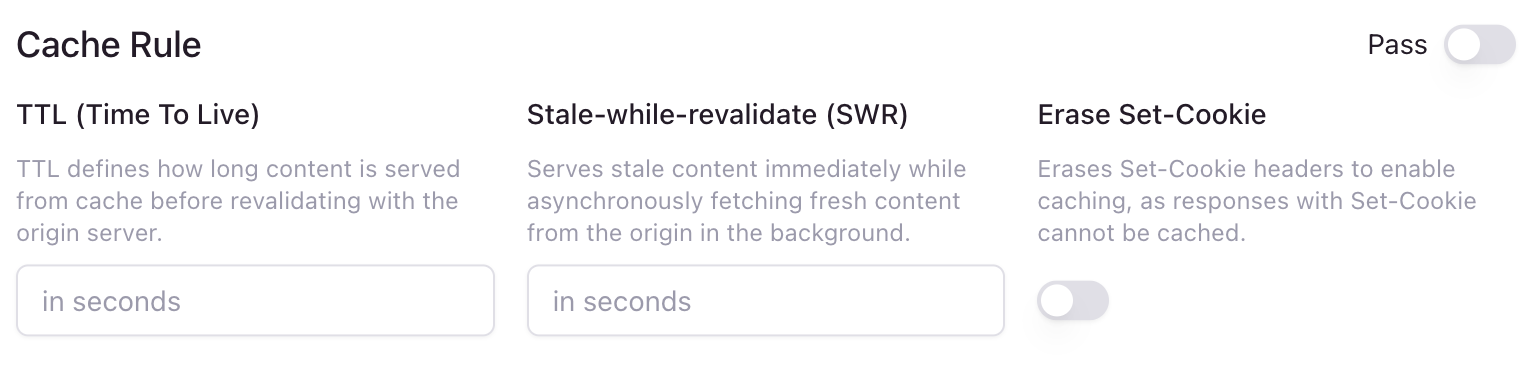
- TTL (Time To Live): How long the response should be cached (in seconds)
- Stale While Revalidate (SWR): How long a stale response can be served while revalidating
- Pass Through: Skip caching entirely for matching requests
- Erase Set-Cookie: Remove or keep
Set-Cookie headers from cached responses
Edgee adds the following headers to responses to indicate caching behavior:
x-edgee-override-cache: yes - Response was cached according to the rulex-edgee-override-cache: no(set-cookie-present) - Response wasn’t cached due to Set-Cookie headersx-edgee-override-cache: no(resp-condition-not-met) - Response conditions weren’t metx-edgee-override-cache: no(req-condition-not-met) - Request conditions weren’t metx-edgee-override-cache: no(pass) - Rule specified pass-through
Example Configuration
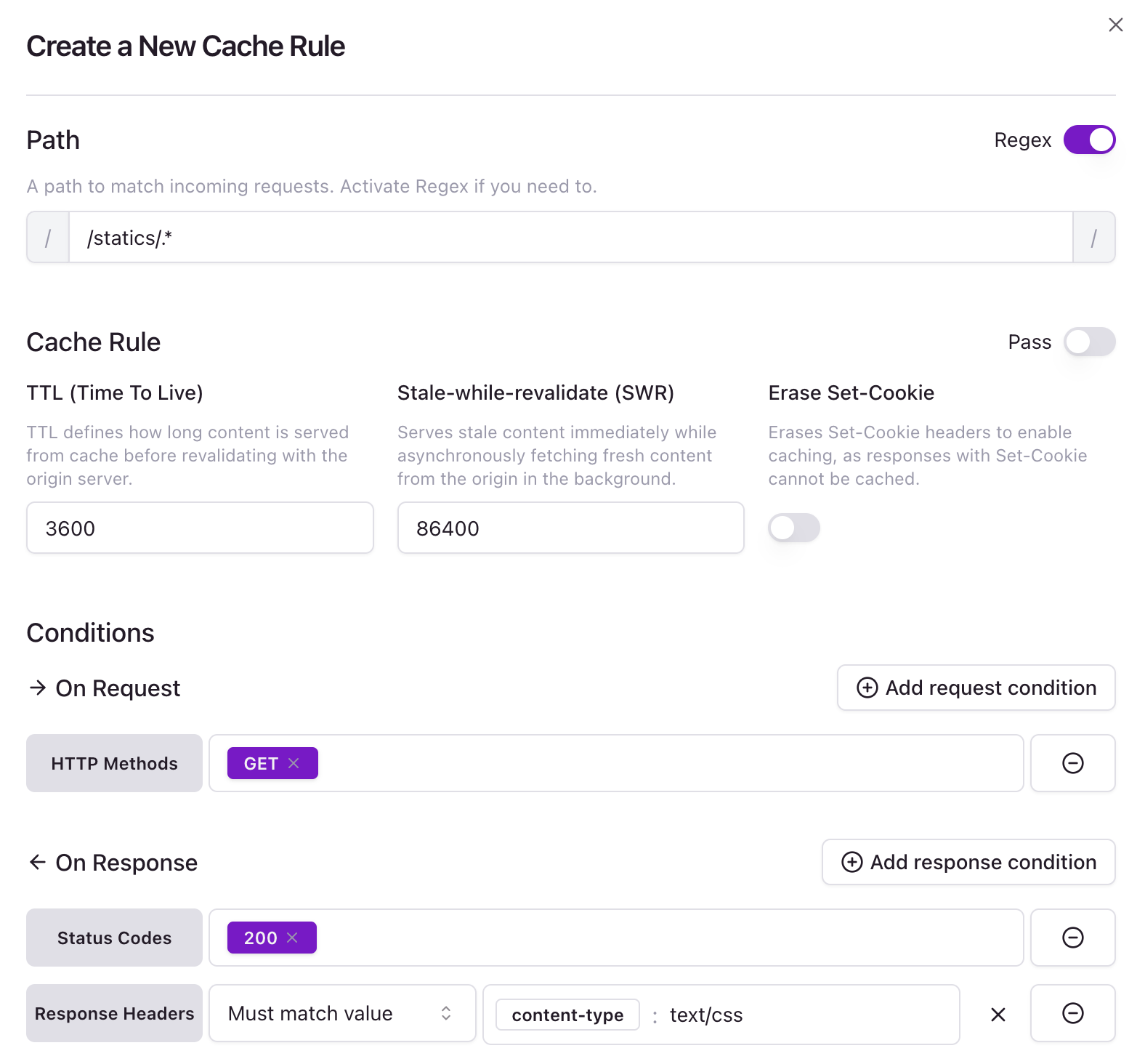
This example:
- Matches all paths starting with
/static/
- Only applies to GET requests
- Only caches responses with status code 200
- Only caches responses with a
content-type header with value “text/css”
- Caches responses for 1 hour (3600 seconds)
- Allows serving stale content for up to 24 hours (86400 seconds) while revalidating