





 Piano Analytics uses various cookies to track users across sessions. With Piano Analytics Native Cookies component,
these cookies can be managed directly at the edge.
To know more about the native cookie support, please refer to the Native Cookies documentation.
Piano Analytics uses various cookies to track users across sessions. With Piano Analytics Native Cookies component,
these cookies can be managed directly at the edge.
To know more about the native cookie support, please refer to the Native Cookies documentation.
Getting Started
To integrate Piano Analytics Native Cookies into your Edgee project:- Open the Edgee console and navigate to your project’s Components.
- Select “Add a component” and choose
edgee/piano-analytics-native-cookiesfrom the list of available components. - In your component settings, configure the mode:
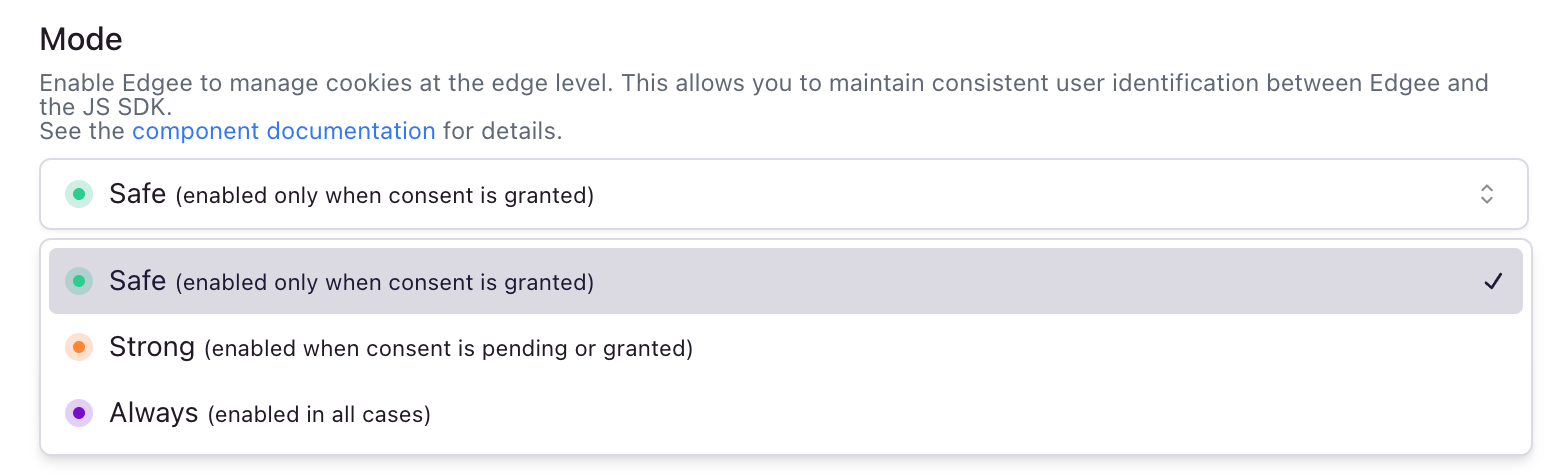
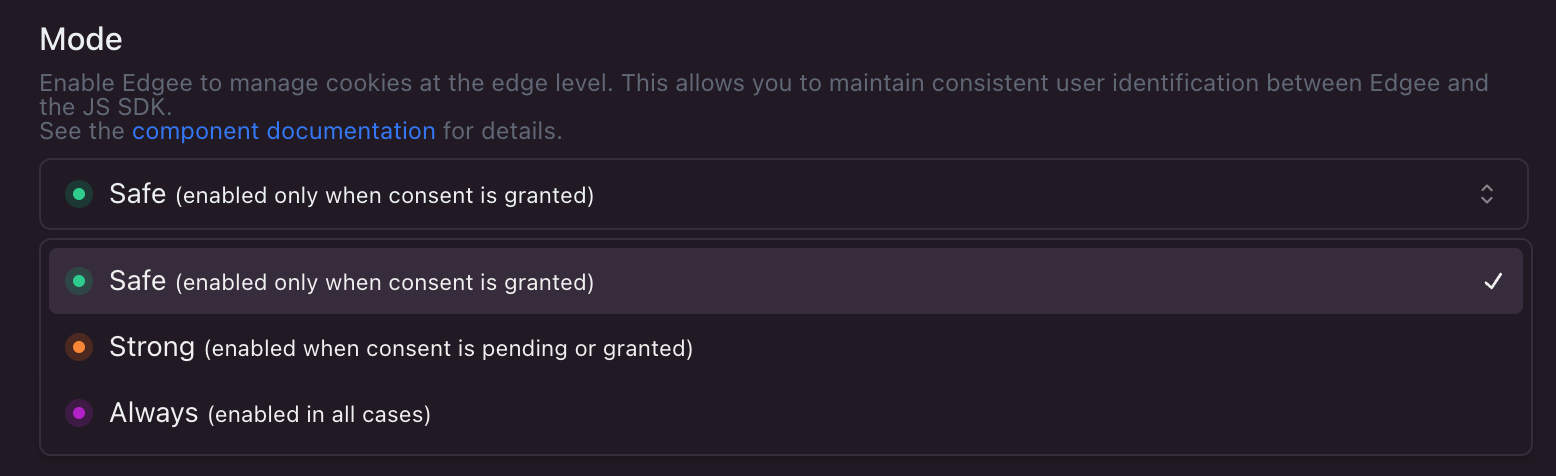
Go to your project > Components > Your Piano Analytics Native Cookies component
- safe: Only set cookie after user grants consent (default)
- strong: Set cookie unless user explicitly denies consent
- always: Set cookie regardless of consent status
- Additionally, you need to select which cookie type to use:
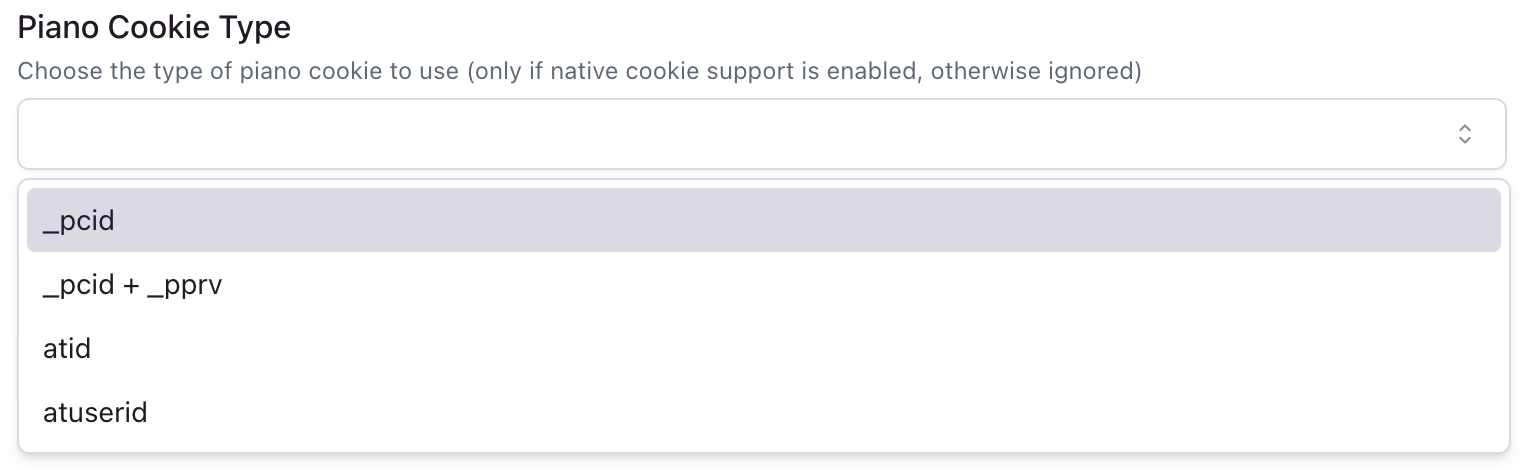
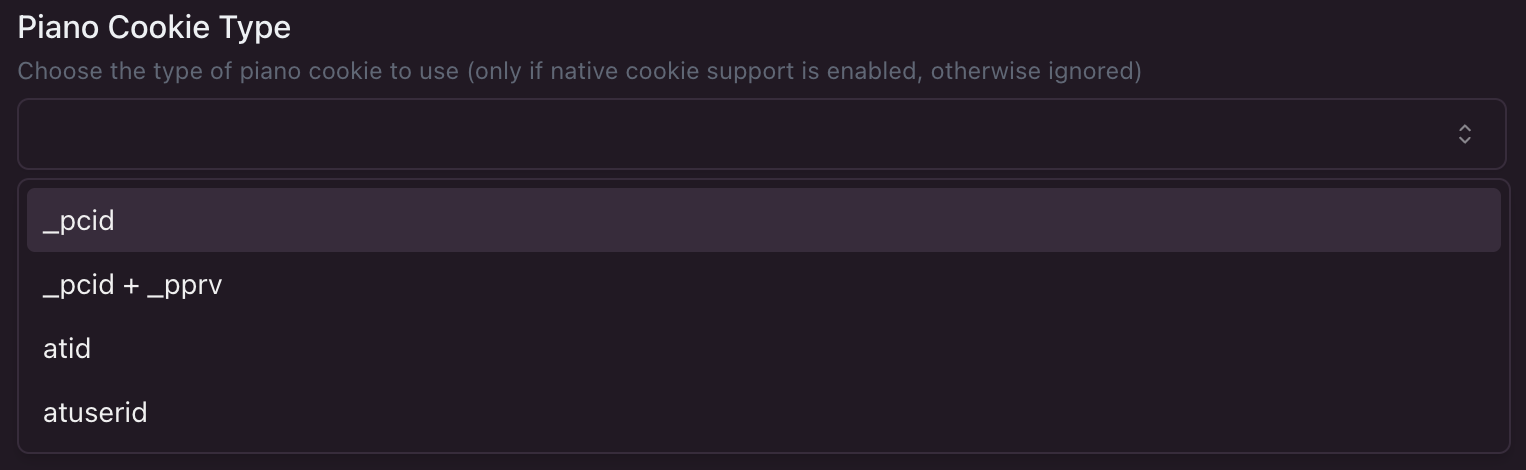
- _pcid: Piano client side cookie with browser ID (recommended for most use cases)
- _pcid + _pprv: Piano client side cookie with browser ID and privacy settings
- atid: Simple UUID cookie
- atuserid: Legacy AT Internet cookie
- Then, you can specify the domain of the cookie (optional):


If you have any doubts about which cookie type to use or the domain of the cookie, please contact us at [email protected].